
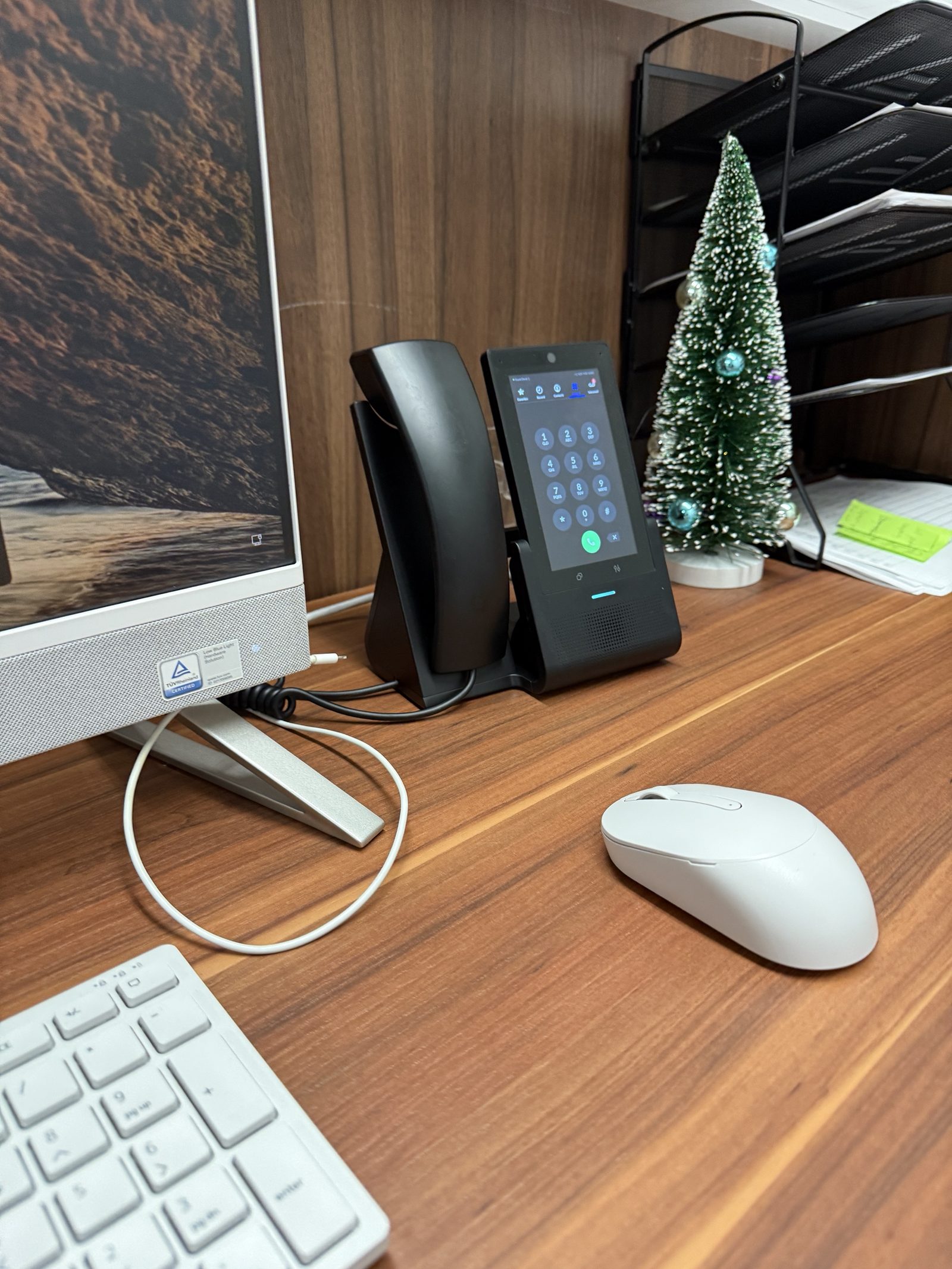
A phone system is the one piece of technology your customers experience directly. Nobody outside the building knows whether your WiFi is good, but everyone who calls knows whether the phone was answered, whether the menu made sense, and whether they got dumped into a voicemail nobody checks. So we treat the move to cloud phones as a project with a plan, not a box of handsets.
The plan starts with how calls should flow through your business, checks that the network can carry voice cleanly, submits the number ports early because they are the slow part, and cuts over in a quiet hour with the old line still live. What follows on this page is the detail, including the parts that most installers do not mention: E911 registration, fax, and what happens when the internet goes out.
What’s included
- Number porting, done in the right order
- Porting a business number is paperwork, not a switch. The request has to match the name and service address your current carrier has on file — not your mailing address, not the name on the door, the one on the account — or the order gets rejected and you start again. Budget two to four weeks for business lines. The one thing you must never do is cancel the old service first: the moment the account closes, the number goes back in the pool and it is gone. We keep the old line running in parallel and cut over once the port confirms.
- Call routing that reflects how you actually work
- Most bad phone systems are not badly installed, they are badly mapped. Who picks up when the front desk is with someone? What happens at 5:01pm, or at lunch, or when one person is out? We write that down with you first and build to it, because guessing produces a menu nobody can escape.
- Auto attendant, kept short
- A menu should be three or four options and a way to reach a human. Long trees exist because someone tried to solve staffing with a recording, and callers just hang up and try a competitor.
- E911 registration
- VoIP does not know where you are. The address a 911 dispatcher sees is whatever was registered against the line, so it has to be set correctly and updated when you move. Two federal rules apply to multi-line systems: Kari's Law requires 911 to work by dialing 911 directly, with no 9 first, and a notification to someone on site when it happens. RAY BAUM'S Act requires a dispatchable location — enough detail to find the caller in the building, not just a street number. We configure both. Most offices we walk into have never been told either exists.
- Handsets, provisioned before they reach the desk
- Phones arrive configured, labeled and assigned, so the install is unboxing rather than an afternoon of typing MAC addresses. Desk phones draw power over the network cable — if your switch is not PoE, the options are a PoE switch or an injector per phone, and it is better to know that before the handsets arrive than after.
- Softphones and mobile
- The business line on a laptop or a personal phone, so nobody hands out their own mobile number and calls out still show the company caller ID.
- Fax, if you still need it
- Fax and VoIP get along badly. A fax tone squeezed through a normal voice codec drops often enough to be useless, which is why a machine that worked on copper for years starts failing after a phone upgrade. The fix is T.38, a protocol built for it, and it needs support on both ends. For a practice that has to send to hospitals or insurers, sometimes the honest answer is to keep one copper line or move to e-fax. We will tell you which.
- Voicemail that reaches you
- Transcribed and emailed, so messages get read on a phone between appointments instead of waiting for someone to check a mailbox.
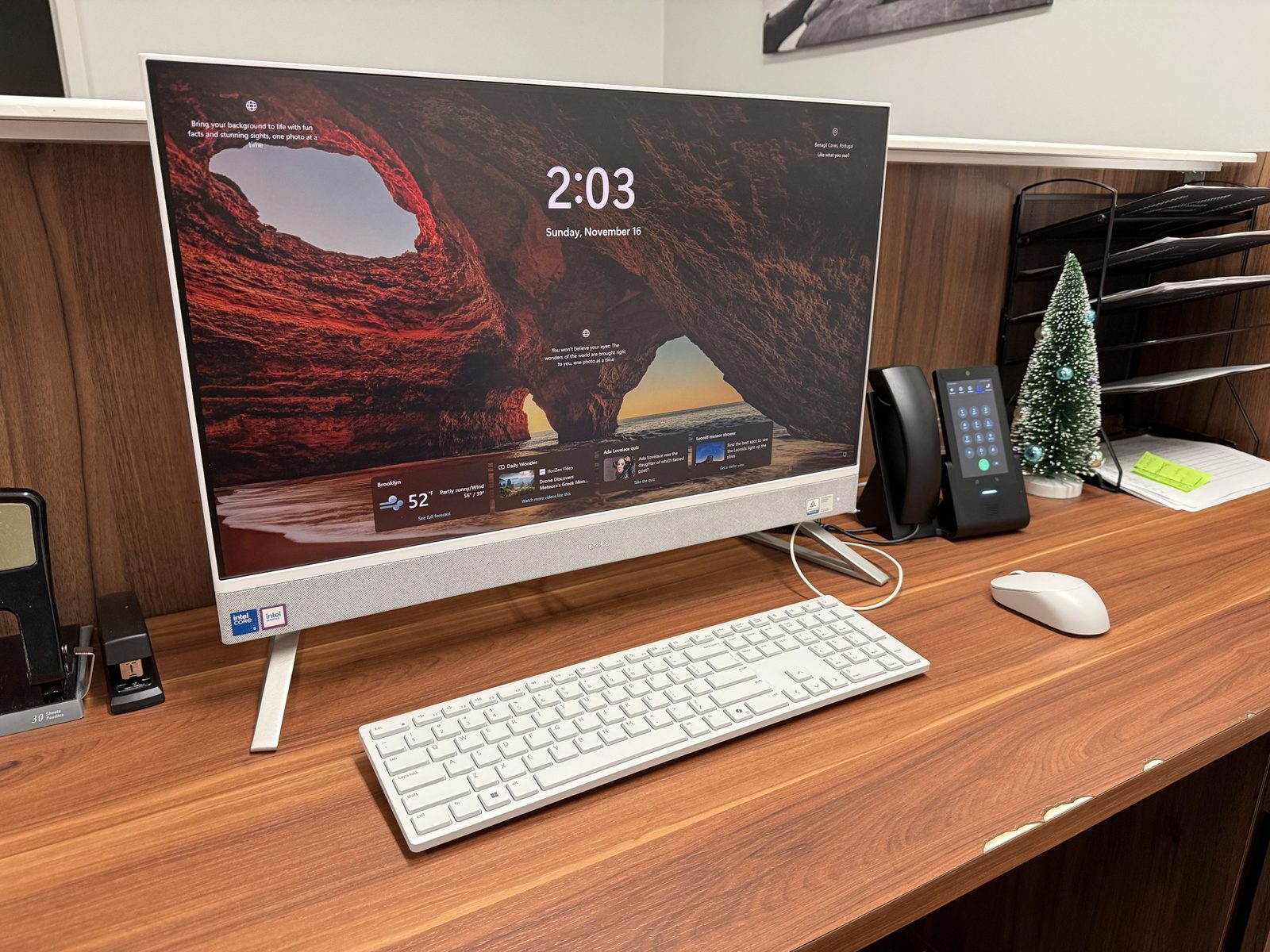
How it works
- Map how calls should flow.Who answers what, what happens after hours, where calls go when nobody picks up, and which numbers have to survive the move. This is the part that determines whether the system is any good.
- Check the network first.Connection, router, switch and whether there is PoE for the handsets. Phones put onto a network that cannot carry them sound bad, and no amount of configuration on the phone side fixes it.
- Submit the ports and build the system.Porting paperwork goes in early because it is the long pole. While it runs, extensions, menus, routing and voicemail get built and tested.
- Cut over.Scheduled for a quiet hour, with the old line still live until the numbers confirm. Handsets go out already configured.
- Adjust once it is real.Routing that looked right on paper always needs a tweak after a week of actual calls. That is expected, and it is included.
What decides whether it sounds good
Your internet, more than your phones
A call is roughly 100 kbps in each direction. That is nothing — ten simultaneous calls is about 1 Mbps, and any business connection has that. What breaks calls is not bandwidth but timing: jitter above about 30ms, or packet loss over 1%, and voices start clipping. A single large upload can do it on a connection with no traffic prioritization, which is why the complaint is almost always "it is fine in the morning and bad at 4pm."
Quality of service on the router
Voice traffic has to be tagged and given priority over everything else on the same connection. On a network we build, that is configured as part of the job. If we are putting phones onto somebody else's network, it is the first thing we look at, and often the whole fix.
What happens in an outage
Cloud phones need power and internet. Lose either and the handsets are dark — which is worse than the old copper line that kept working in a blackout. Failover to mobile numbers is configured up front so the line keeps ringing somewhere. It is a five-minute setting that nobody thinks about until the first outage.
Counting seats honestly
Per-user pricing tempts everyone into buying a license for every person who might answer a phone. A shared handset in a stockroom or a break room does not need its own seat. We would rather size it correctly than have you find the overspend on month four.
Who it’s for
We install and support this across a range of operational environments throughout New York City.
Typically: Medical & Dental Clinics, Professional Services, Retail & Showrooms, Hospitality & Restaurants and Corporate Workspaces.
Common questions
Can we keep our current number?
Yes, and it is routine. Give us a recent bill so the port request matches the carrier's record exactly. Two to four weeks is normal for business lines. Do not cancel the existing service before the port completes.
What happens if the internet goes out?
The handsets stop working, because they need power and a connection. Calls fail over to mobile numbers automatically so the line still rings — configured during setup, not after the first outage.
Do we need new handsets?
Not always. Plenty of existing VoIP phones can be reprovisioned onto a new platform, and we will check yours before quoting anything. Phones locked to a previous provider usually cannot be moved, and we will tell you that plainly instead of bundling replacements into the price.
Will our fax machine still work?
Sometimes, with T.38 configured on both ends. Sometimes not, and a practice that has to reliably fax hospitals or insurers is better off keeping one copper line or moving to e-fax. We would rather have that conversation before the install than after a referral fails to send.
How many lines do we need?
Fewer than most people expect. What matters is concurrent calls, not staff count — a six-person office rarely has six calls at once. We look at your actual call volume instead of selling a seat per head.
Can people work from home on the office line?
Yes. A softphone puts the extension on a laptop or mobile, calls out show the company number, and transfers work the same as at a desk.
Do you support it afterwards, or just install it?
Both. Staff change, routing changes, someone new needs an extension. That is normal and it is what the support side is for.