
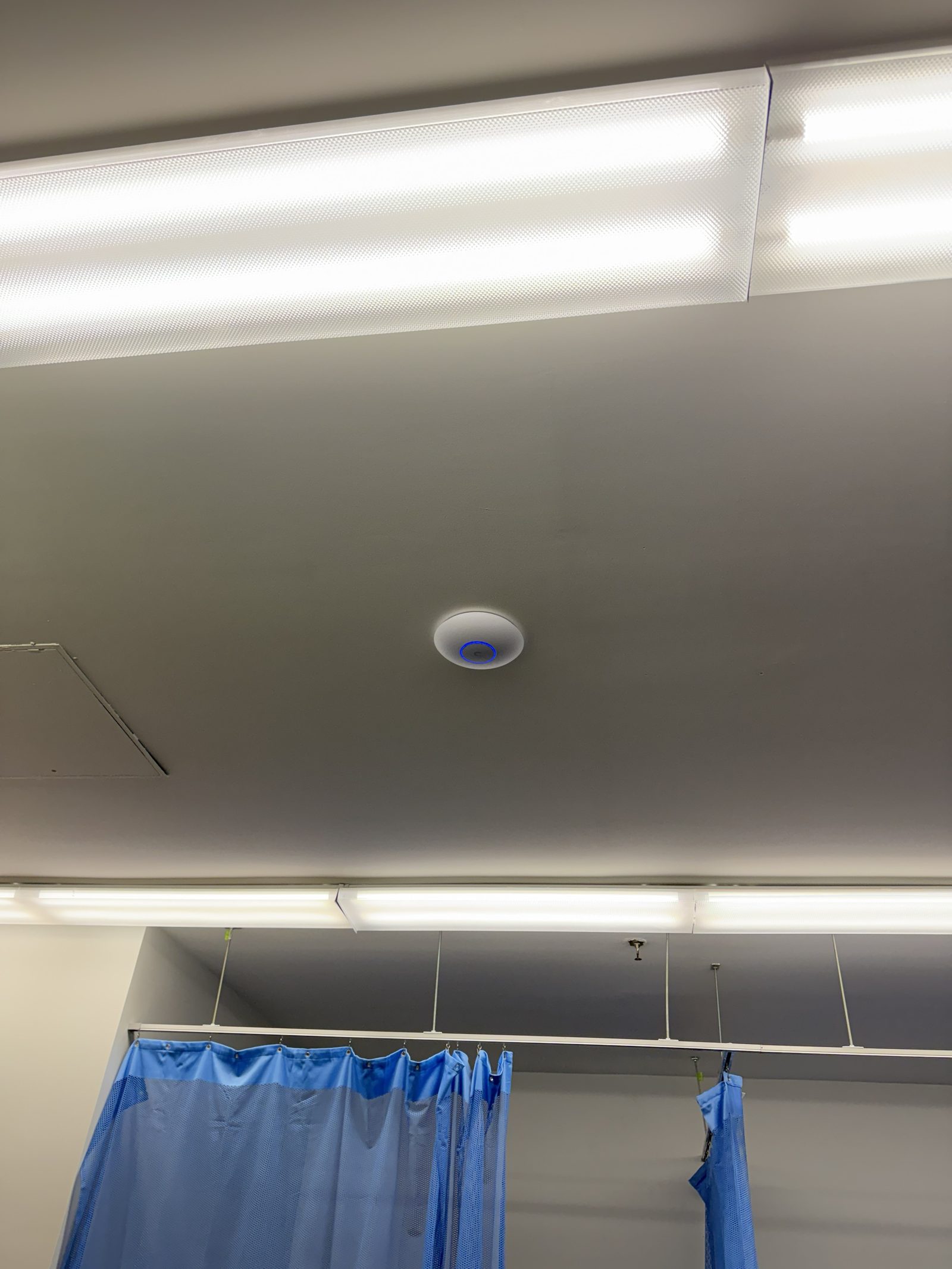
Bad WiFi in a New York business is rarely a mystery once you look at the building. Brick, plaster on wire lath, tin ceilings, steel framing and long narrow floor plates all block or scatter the signal, and a router from the internet provider sitting in a closet at one end of the space was never going to cover the other end. Adding a mesh node or a range extender moves the dead spot rather than removing it.
We fix it the way it should be built: access points where the coverage is needed, each on its own cable back to a managed switch, on a network we can see and support remotely. Most of what we install is Ubiquiti UniFi, which means one console for the switches, the access points, the cameras and the doors, no per-device license fees, and equipment we know well enough to fix quickly. NextPhase Labs is a Ubiquiti partner. Guest WiFi is kept apart from the point of sale, the cameras and the back office.
What’s included
- Site survey
- We walk the space before specifying anything. Brick, tin ceilings and old buildings change what equipment goes where.
- Business-grade access points
- Equipment built for many simultaneous devices, not consumer gear pushed past what it was designed for.
- Seamless roaming
- Walk from the front of house to the stockroom without dropping a call or a payment.
- Managed switching and routing
- Configured, monitored and remotely supportable, rather than a box someone plugged in years ago.
- Guest and staff separation
- Customer WiFi kept apart from point-of-sale, cameras and back-office systems.
- Remote monitoring
- We see an access point drop before your staff have to tell us about it.
How it works
- Survey the spaceWe map coverage against your actual floor plan and construction, and find the dead spots before they are your problem.
- Design the layoutAccess point placement, cable runs and equipment specified for how the space is used.
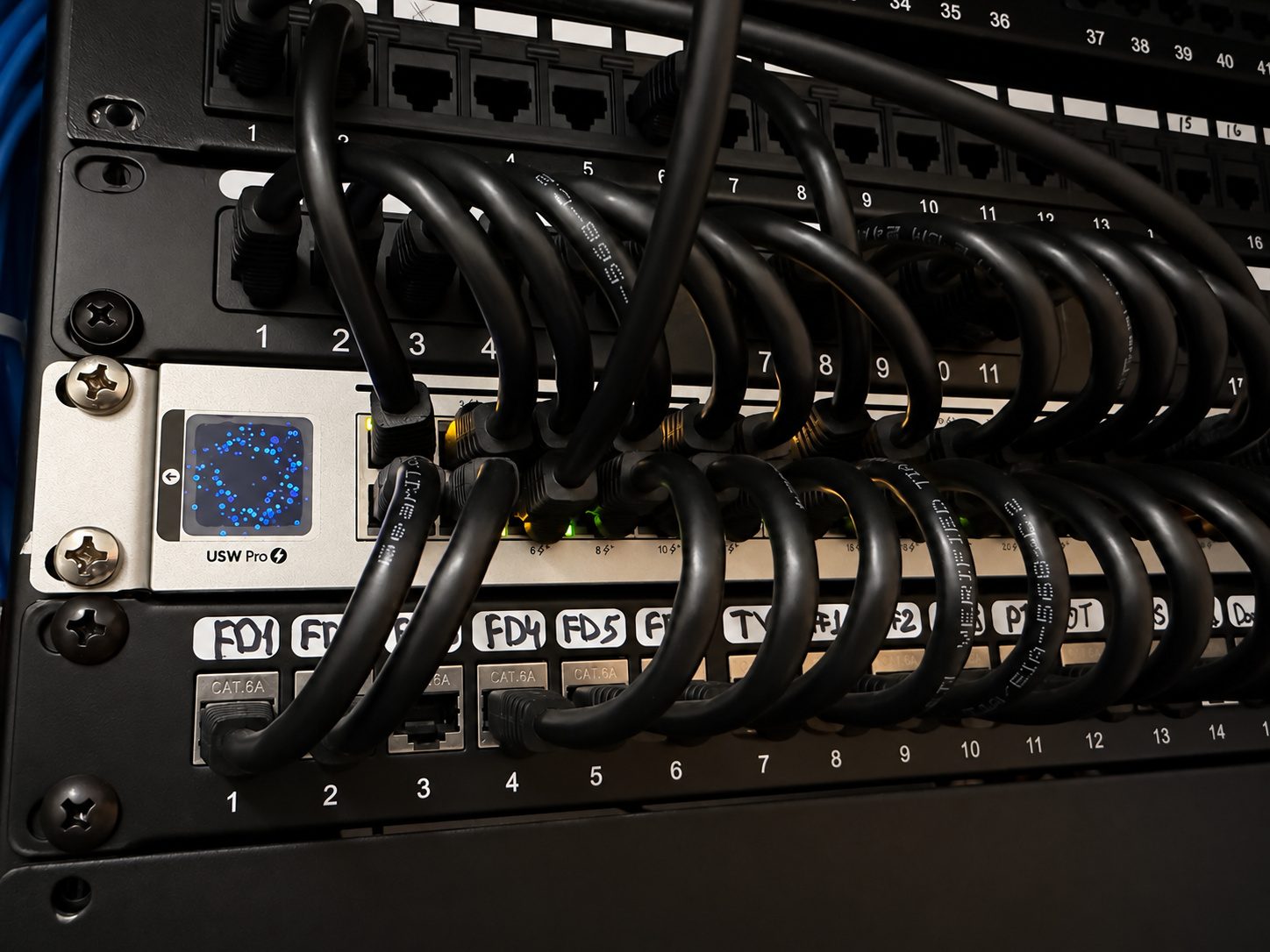
- Install and configureClean cable runs, labeled terminations, and configuration documented rather than kept in someone’s head.
- Verify and hand overWe test coverage across the whole space and show you what was installed and why.
Who it’s for
We install and support this across a range of operational environments throughout New York City.
Typically: Corporate Workspaces, Retail & Showrooms, Hospitality & Restaurants, Education Facilities and Industrial & Logistics.
Common questions
Why not just use the router from our internet provider?
For a small office it is sometimes fine. The trouble starts when you add card readers, cameras, tablets and staff phones — ISP equipment tends to run out of capacity quietly, and the symptom is payments timing out at the counter rather than an obvious failure.
Can you work with our existing equipment?
Often, yes. Part of the survey is telling you what is worth keeping. We would rather reconfigure equipment that works than sell you a replacement for it.
How disruptive is the install?
Most of the work happens around your hours. Cable runs are the noisy part and we schedule those deliberately — for restaurants and retail that usually means before opening.